
Watch Retouching

Luxury and everyday watches retouched for crisp, catalog-ready images.
We clean the dial and crystal, remove glare and fingerprints, sharpen indices and hands, and polish steel, gold and leather straps.
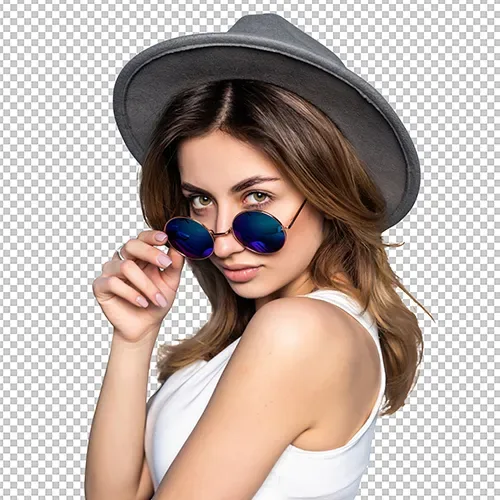
AI Background Removal
Images are precisely cut out from their background using smart AI algorithms, creating clean backgrounds that focus attention on your subject.

AI Color Correction
We color correct your photos to make the tones look natural, vibrant, and on-brand.
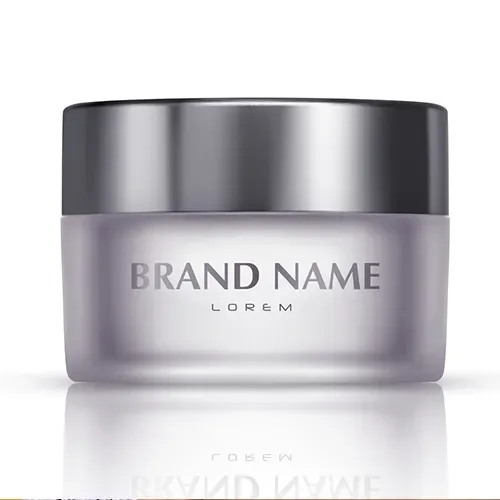
AI Shadow and Reflection Creation
Realistic shadows and reflections are added so your products look more natural, detailed, and grounded in the scene.
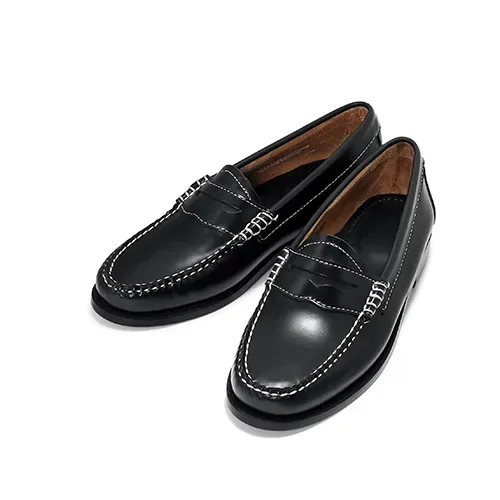
AI Object removal & Replacement
Unwanted elements are seamlessly removed or replaced without compromising image quality or realism.
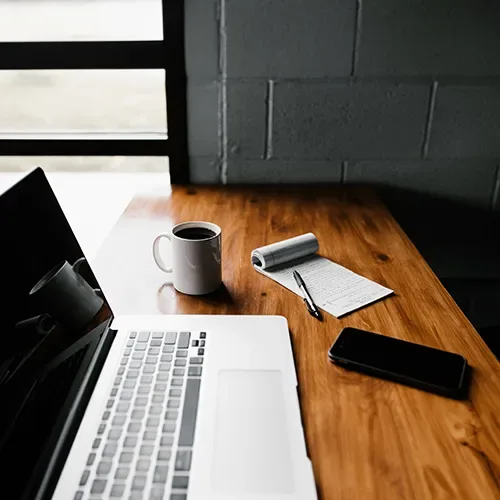
AI Image Resizing & Cropping
Images are automatically resized and cropped to fit platform requirements while maintaining composition and quality.
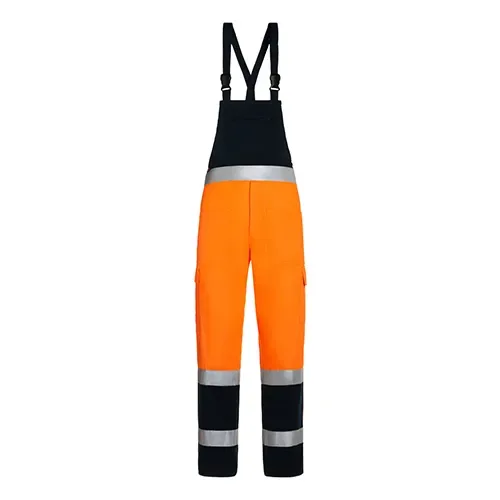
AI Symmetry Correction
We adjust asymmetries in your photos to improve balance and give the final image a cleaner, more polished look.