
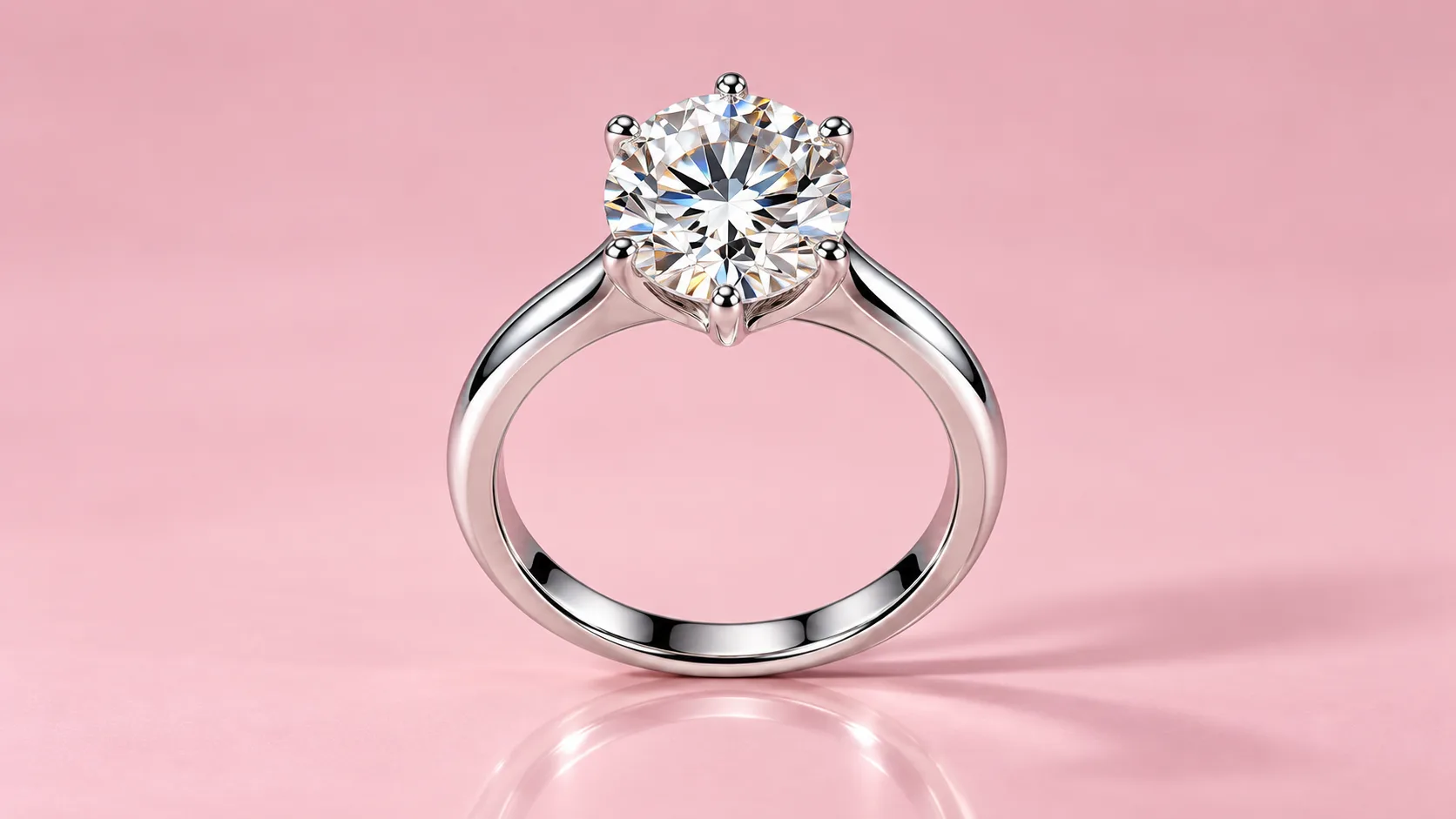
If you sell rings, necklaces, earrings or watches online, you already know that photos make or break the sale. A shopper can't touch a diamond through a screen, hold a gold chain up to the light or try on an earring. The photo is the product. So when it's time to outsource editing, the first question almost every jeweler asks is simple: how much does professional jewelry photo editing cost?
The honest answer is "it depends", but that isn't very useful on its own. In this guide we break down typical price ranges, explain exactly what drives the price of each image up or down, compare freelancers, agencies and DIY editing, and show you how to get the best value without sacrificing the sparkle that sells.
Quick Answer: Typical Jewelry Photo Editing Prices
Across the industry, most professional jewelry retouching falls somewhere between $0.50 and $25+ per image. That's a huge range, and it exists because "editing" can mean anything from a quick background cut-out to a full rebuild of a diamond's facets. Here's a realistic breakdown by level of work:
| Editing level | What's included | Typical price per image |
|---|---|---|
| Basic | Background removal, crop, alignment, basic color correction | $0.50 – $2 |
| Standard | Basic + dust and scratch removal, reflection cleanup, metal brightening | $2 – $6 |
| Advanced | Standard + gem enhancement, diamond sparkle, metal recoloring, natural shadows | $6 – $15 |
| High-end / creative | Full rebuilds, stone replacement, compositing, ad and catalog cover work | $15 – $50+ |
For most online jewelry stores, the sweet spot is the standard to advanced range. That's where photos stop looking "okay" and start looking like the polished product shots you see on major jewelry brands' websites.
What Drives the Cost of Jewelry Photo Editing?
Jewelry is one of the hardest product categories to retouch. Polished metal acts like a mirror, gemstones scatter light in every direction, and tiny details like prongs, chain links and engravings must stay crisp. That's why pricing is rarely a flat fee. These are the main factors that affect your quote.
1. Complexity of the piece
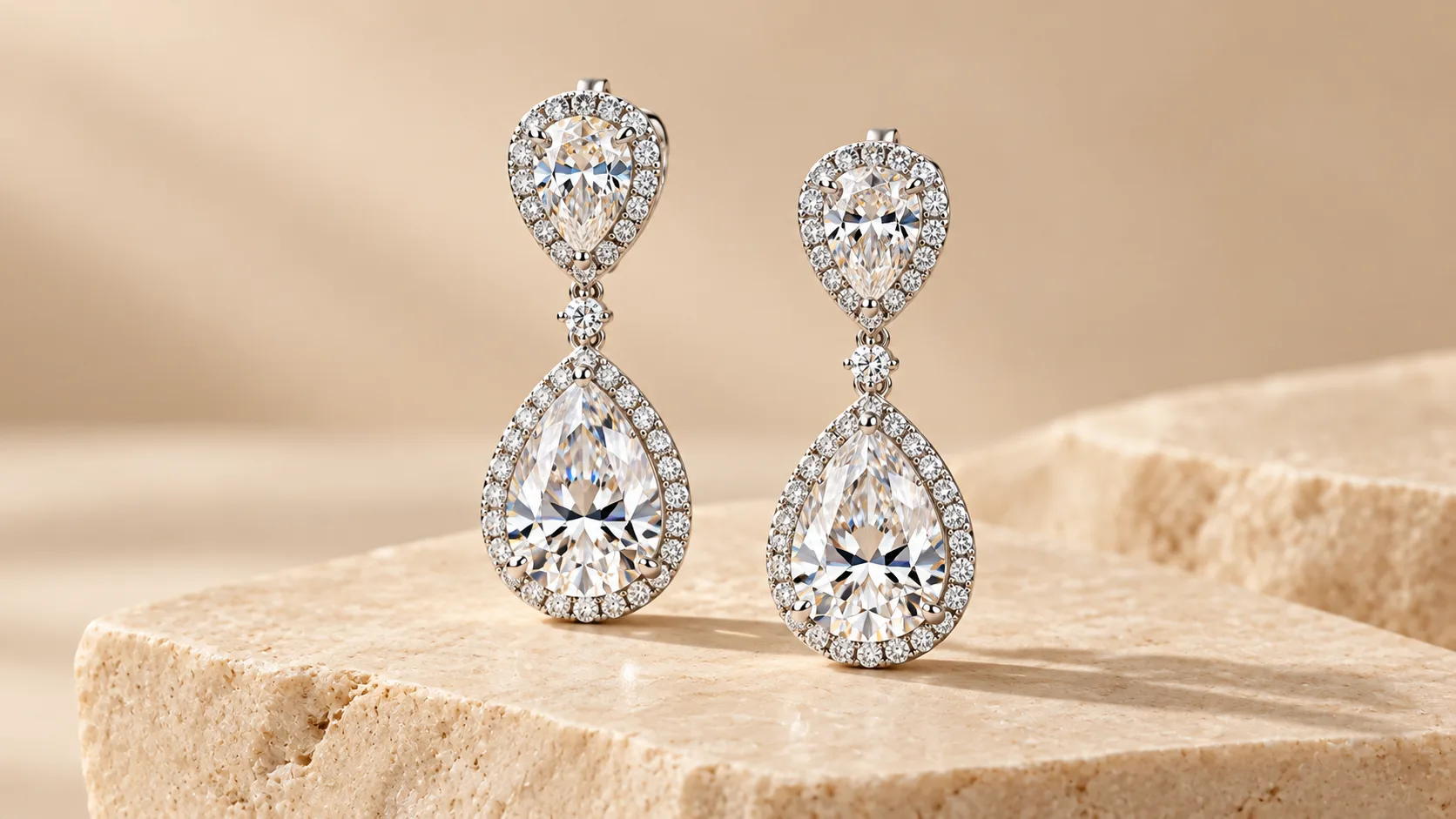
A plain gold band is quick to edit. A halo engagement ring with dozens of pavé diamonds is not. Every small stone may need cleaning, sharpening and a touch of controlled sparkle. Pieces with intricate filigree, open settings, or multiple gem types take far longer, and editors price accordingly.
2. Background removal and clipping paths
Almost every marketplace, including Amazon, Etsy and Google Shopping, prefers or requires a clean white background. Removing the background from a ring is simple. Removing it from a delicate necklace, where the background shows through every link of the chain, takes precise hand-drawn clipping paths. Necklaces, bracelets and chains usually cost more than rings for this reason.
3. Gem and diamond enhancement
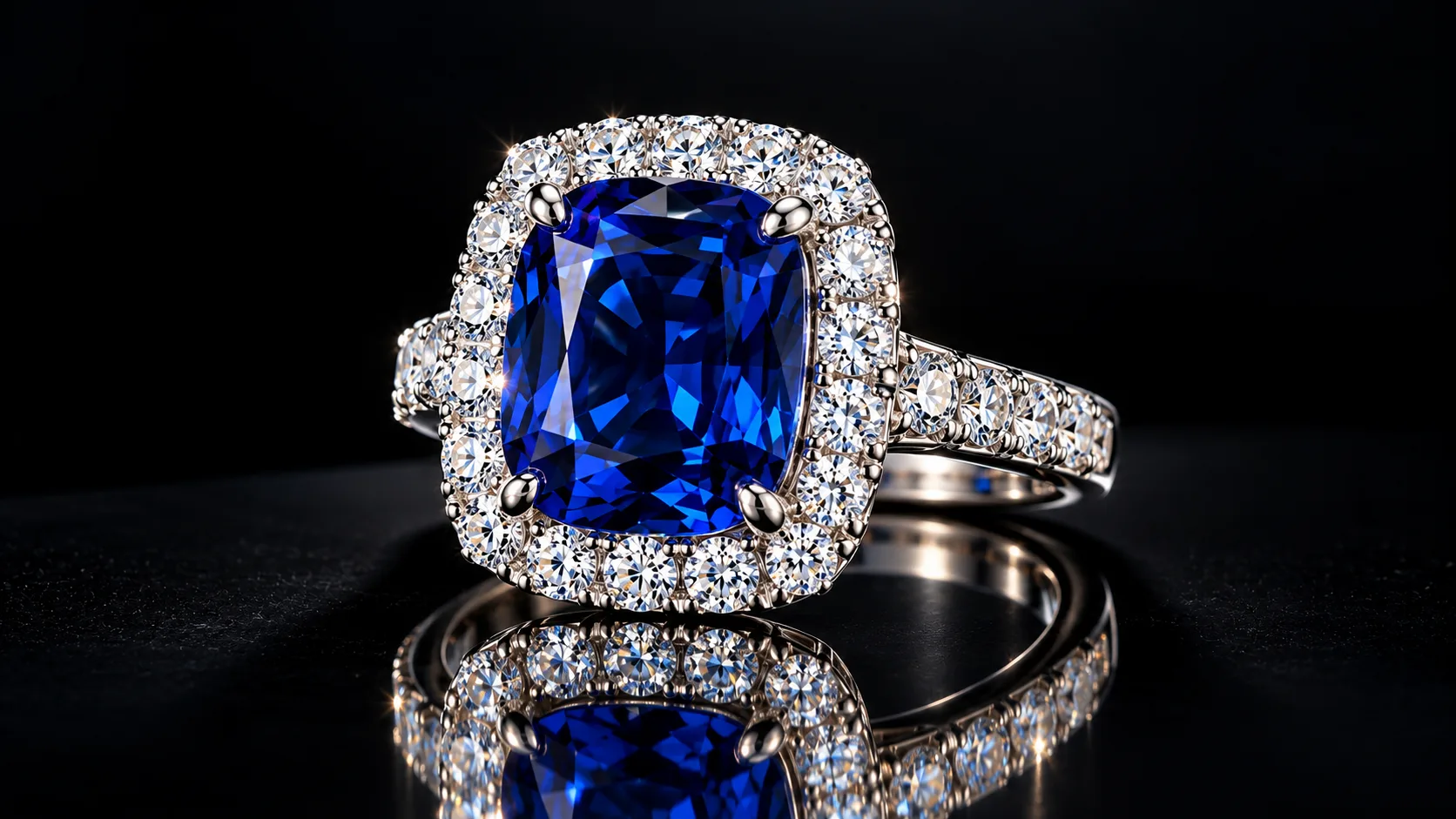
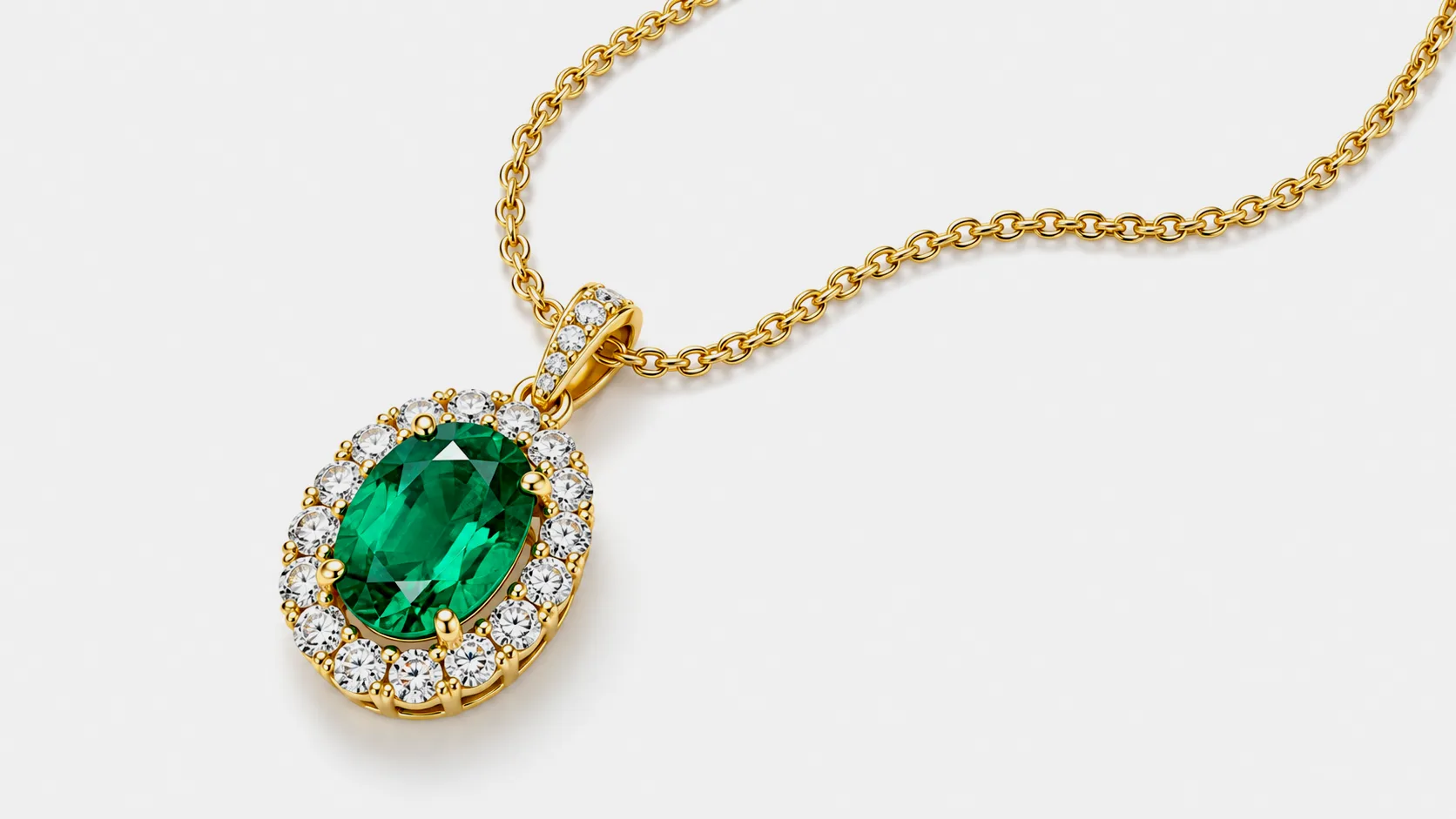
Cameras often flatten gemstones. Diamonds can come out grey, sapphires dull, emeralds murky. A skilled retoucher restores clarity, contrast and fire while keeping the stone true to life. This is one of the most valuable (and most skill-dependent) parts of jewelry editing, so it's usually priced as an add-on or included only in higher tiers.
4. Metal retouching and reflections
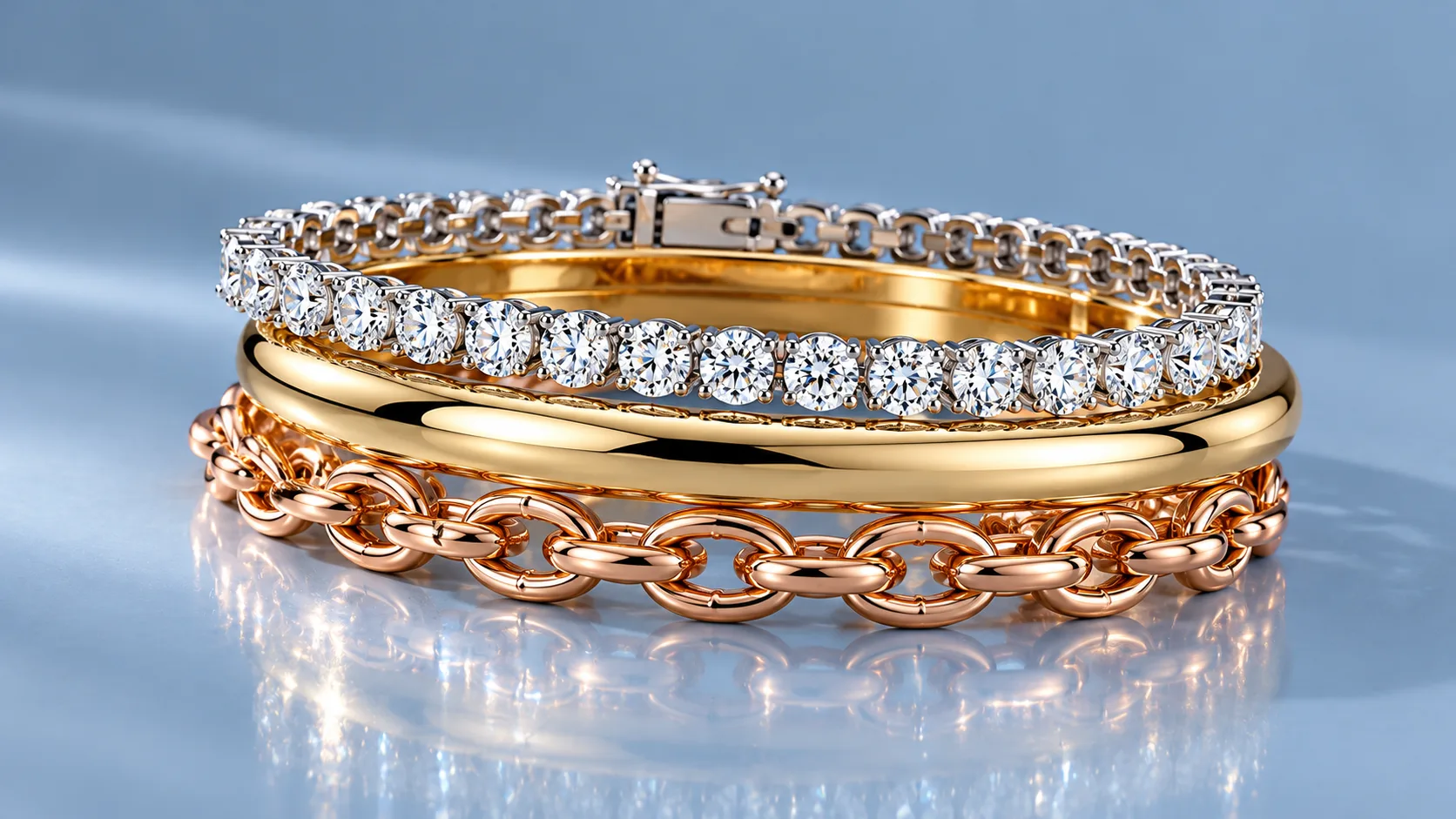
Gold, silver and platinum reflect everything around them: the camera, the photographer, the studio lights, even the ceiling. Removing unwanted reflections, smoothing uneven polish and keeping a consistent metal tone across a whole collection takes time. If you need metal recolored (for example, showing the same ring in yellow, white and rose gold from one photo), expect an extra charge per variant.
5. Dust, scratches and imperfections
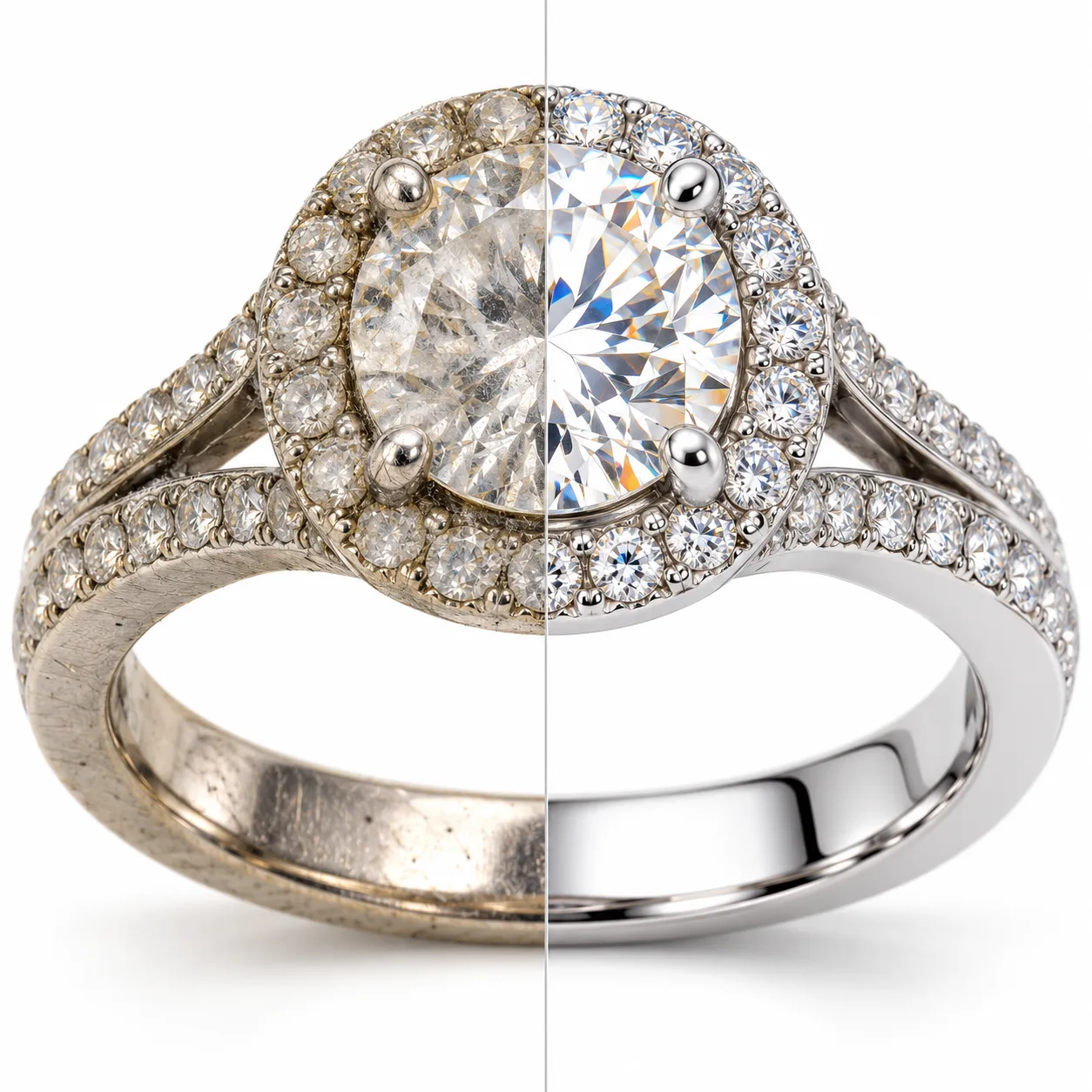
Macro photography reveals everything. Fingerprints, lint and micro-scratches that are invisible to the naked eye become obvious when a ring fills the frame. Cleanup is usually included in standard packages, but heavily worn or vintage pieces may need extra work.
6. Shadows and reflections for a natural look
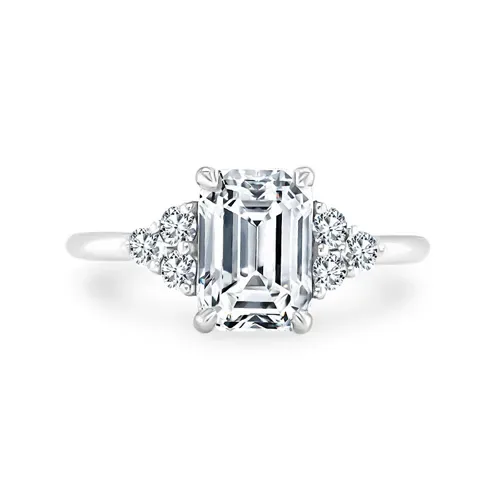
A product floating on pure white can look flat and fake. Adding a soft drop shadow or a mirror reflection grounds the piece and makes it feel real. Many editors include a basic shadow; custom reflections are often a small add-on.
7. Turnaround time
Standard turnaround for most services is 24 to 72 hours. Need it in 6 or 12 hours for a launch or a sale? Rush delivery typically adds 25% to 100% to the price.
8. Volume
Volume is the biggest lever you control. Editing one image is expensive per unit because there's setup time: understanding your style, your background, your brand guidelines. Editing 500 images of a consistent collection is far more efficient. Most providers offer tiered discounts once you pass 50, 100 or 500 images per month.
Freelancer vs. Agency vs. DIY: Cost Comparison
There are three main ways to get your jewelry photos edited. Each has a very different cost profile.
Doing it yourself
DIY looks free, but it isn't. Photoshop or similar software costs a monthly subscription, and the learning curve for jewelry retouching is steep. A beginner can easily spend 30 to 60 minutes on a single ring and still not get a clean result. If your time is worth $25 an hour, a DIY image can quietly cost you $15 to $25 in time, more than most professional services charge.
AI tools and one-click background removers have improved, but they still struggle with jewelry. They tend to cut through thin chains, blur prongs, and turn diamonds into white blobs. They're fine for quick drafts, not for product pages that need to convert.
Hiring a freelancer
Freelance marketplaces offer rates as low as $1 per image. Quality varies enormously. Some freelancers are excellent; many have never retouched a diamond in their life. Other common issues include inconsistent results across batches, missed deadlines, and no backup if your editor disappears mid-project. Freelancers work best when you've found a proven specialist and have a small, steady volume.
Using a specialist jewelry editing service
A dedicated jewelry retouching service usually sits in the middle on price but at the top on consistency. You get a team that edits jewelry every day, clear pricing, fast turnaround, quality control, and free revisions. For any store that publishes new products regularly, this is usually the best value per usable image.
Hidden Costs to Watch Out For
The per-image price on a website isn't always what you end up paying. Before you commit, check for these common extras:
- Revision fees. Some providers charge for every round of changes. Look for free revisions.
- Per-angle pricing. If you shoot each ring from five angles, are you paying for five images? Usually yes, so plan your shot list carefully.
- File format and size charges. Extra fees for PSD files with layers, transparent PNGs, or multiple sizes for different marketplaces.
- Minimum orders. Low per-image rates sometimes only apply to orders of 100+ images.
- Rush surcharges. Fine when you need them, painful when you didn't realize "standard" meant five days.
- Re-shoots caused by bad source photos. No editor can fully rescue an out-of-focus image. Good photography saves money on editing.
Is Professional Jewelry Photo Editing Worth the Money?
Think of editing cost relative to the product price. If you sell a $900 engagement ring, spending $5 to $10 to make its photos look flawless is less than 1% of the sale price. And the impact on conversion can be significant.
Clean, consistent, high-quality images help in several ways:
- Higher conversion rates. Shoppers trust what they can see clearly. Sharp, bright, true-to-life photos reduce hesitation at checkout.
- Fewer returns. Accurate color and detail mean the piece that arrives matches the photo, which cuts return rates and bad reviews.
- Marketplace compliance. Amazon, Etsy, eBay and Google Shopping all have image requirements. Professional editing keeps your listings live and visible.
- Stronger brand perception. A consistent catalog looks like an established brand. Inconsistent photos look like a side hustle, even when the jewelry is excellent.
- Better ad performance. Polished product images get more clicks on social media and shopping ads, which lowers your cost per sale.
How to Lower Your Jewelry Photo Editing Costs
You don't need to choose between quality and budget. A few practical habits can bring your per-image cost down substantially.
Shoot better source photos
The better the original, the less work the editor has to do. Use a tripod, a macro lens, soft diffused lighting (a light tent works well), and a plain background. Clean every piece with a microfiber cloth right before shooting. Ten seconds of cleaning can save several minutes of retouching.
Batch your work
Send images in larger, consistent batches instead of a few at a time. Same background, same angle, same lighting across a collection means editors can work faster and you qualify for volume pricing.
Give clear instructions once
Write a short style guide: background color, shadow style, crop ratio, output size, file format. Share one reference image you love. Clear briefs mean fewer revision rounds and more consistent results.
Choose the right level for each image
Not every image needs the premium treatment. Your hero product shots and homepage banners may deserve advanced retouching, while secondary angles or low-priced items may only need standard editing. Mixing levels keeps your budget focused where it drives sales.
Test before you commit
Most good services offer a free trial. Send a few of your hardest photos, the ones with the most stones, the trickiest chains, the worst reflections, and judge the results. It's the fastest way to see if a provider's quality matches its price.
What Should a Good Jewelry Editing Package Include?
When you compare quotes, make sure you're comparing like for like. A solid standard package for e-commerce jewelry should include:
- Precise background removal (white, transparent or custom color)
- Dust, scratch and fingerprint removal
- Reflection cleanup on metal surfaces
- Color correction for accurate metal and gem tones
- Gem and diamond enhancement for clarity and sparkle
- Natural shadow or reflection
- Consistent cropping, alignment and sizing
- Marketplace-ready export (JPG, PNG or WEBP at the sizes you need)
- Free revisions until you're happy
If a cheap quote leaves out half of this list, it isn't really cheaper. You'll either pay extra later or end up with photos that don't sell.
Frequently Asked Questions
How much does it cost to edit one ring photo?
A single ring photo typically costs between $1 and $10 depending on complexity. A simple band with background removal sits at the low end, while a halo or pavé ring with full diamond enhancement sits at the higher end.
Why do necklaces cost more to edit than rings?
Necklaces and chains have many small gaps where the background shows through. Each gap must be removed precisely by hand, which takes significantly more time than cutting out a solid ring.
How long does professional jewelry photo editing take?
Most services deliver within 24 to 72 hours. Rush delivery in 12 hours or less is often available for an additional fee.
Can AI replace professional jewelry retouching?
AI tools are useful for quick drafts and simple products, but they still struggle with fine chains, prongs, reflective metal and gemstone detail. For product pages and ads that need to convert, human retouching remains the standard.
Can I try a jewelry editing service before paying?
Yes. Many professional services, including ours, offer free trial edits so you can judge the quality on your own photos before placing an order.
The Bottom Line
Professional jewelry photo editing usually costs between $0.50 and $25 per image, with most online stores spending $2 to $15 for the standard and advanced work that actually moves sales. The real price depends on the complexity of each piece, the level of retouching, turnaround time and volume.
The cheapest option is rarely the best value. What matters is the cost per image that's ready to sell: clean, consistent, true to life and marketplace compliant. Compared with the price of the jewelry itself, great editing is one of the highest-return investments a jewelry business can make.
Want to see what your photos could look like? Start your free trial and get 3 free edits, with no credit card required. Send us your toughest ring, necklace, earring or watch photos and see the difference in 24 hours.