

AI image tools have exploded over the last few years. Today you can remove a background in one click, upscale a blurry photo, or generate a brand-new product scene from a text prompt. So it's natural for jewelers and online store owners to ask: can AI tools retouch jewelry photos automatically? And if they can, do you still need a professional retoucher?
The short answer is: partly. AI is genuinely good at some jewelry editing tasks and genuinely bad at others. In this guide we'll walk through exactly what AI can and can't do with jewelry photos, where it saves you time, where it quietly damages your images, and how the smartest jewelry brands combine AI with human retouching to get fast, affordable and flawless results.
Why Jewelry Is So Hard for AI to Edit
Before looking at specific tools, it helps to understand why jewelry is one of the toughest product categories for any automated editor. Most AI image models are trained on millions of everyday photos: people, landscapes, clothing, furniture. Jewelry is different in a few important ways.
- It's tiny and detailed. A single ring can have dozens of prongs, pavé stones and engraved details that each measure less than a millimeter in real life.
- Metal is a mirror. Polished gold, silver and platinum reflect the studio, the camera and the photographer. AI often can't tell what's a reflection and what's part of the product.
- Gemstones are full of light. Diamonds and colored stones refract light into complex patterns of fire and sparkle. AI tends to either flatten these patterns or invent new ones that don't match the real stone.
- Chains are full of holes. Necklaces and bracelets have hundreds of small gaps where the background shows through, which is a nightmare for automatic cut-outs.
- Accuracy matters legally and commercially. If a photo shows a stone as clearer or a metal as a different color than the real item, customers return it, and in some markets that can count as misleading advertising.
Keep those five points in mind. They explain almost every success and failure you'll see below.
What AI Can Do Well With Jewelry Photos
Let's start with the good news. Several common editing tasks are now fast and reliable with AI, at least as a first pass.
1. Background removal on simple pieces
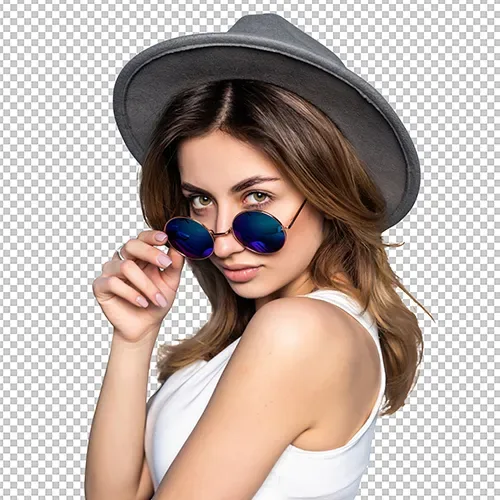
One-click background removers work surprisingly well on solid, compact items like a plain band, a stud earring or a pendant photographed against a contrasting background. For quick social posts or internal catalogs, AI cut-outs can be good enough straight away.
2. Resizing, cropping and formatting
Marketplaces like Amazon, Etsy and Shopify themes all want different sizes and aspect ratios. AI tools can auto-detect the product, center it, add consistent padding and export dozens of sizes in seconds. This is pure time-saving with very little risk.
3. Basic color and exposure correction
AI is decent at fixing a photo that's a bit too dark, too warm or too cool. It can neutralize a yellow cast from indoor lighting and brighten a white background. For a starting point, this works well, though it doesn't always get metal tones exactly right (more on that below).
4. Dust and small spot removal
Healing tools powered by AI can remove obvious specks of dust or lint on the background and on large, flat metal surfaces. On busy areas like pavé settings, they're far less reliable.
5. Upscaling
AI upscalers can enlarge a slightly small photo so it meets a marketplace's minimum resolution. They're useful in a pinch, but be careful: upscalers often "invent" texture, which on jewelry can look like fake facets or grainy metal.
6. Generating lifestyle backgrounds
Generative AI can place a product onto a marble counter, a velvet tray or a beach scene. For social media and ads, this can be a creative shortcut, as long as the jewelry itself stays untouched and the scene is realistic.
Where AI Falls Short on Jewelry Retouching
Now the less exciting part. These are the areas where automated tools consistently struggle, and where most of the value of professional jewelry retouching actually lives.
1. Fine chains and open settings
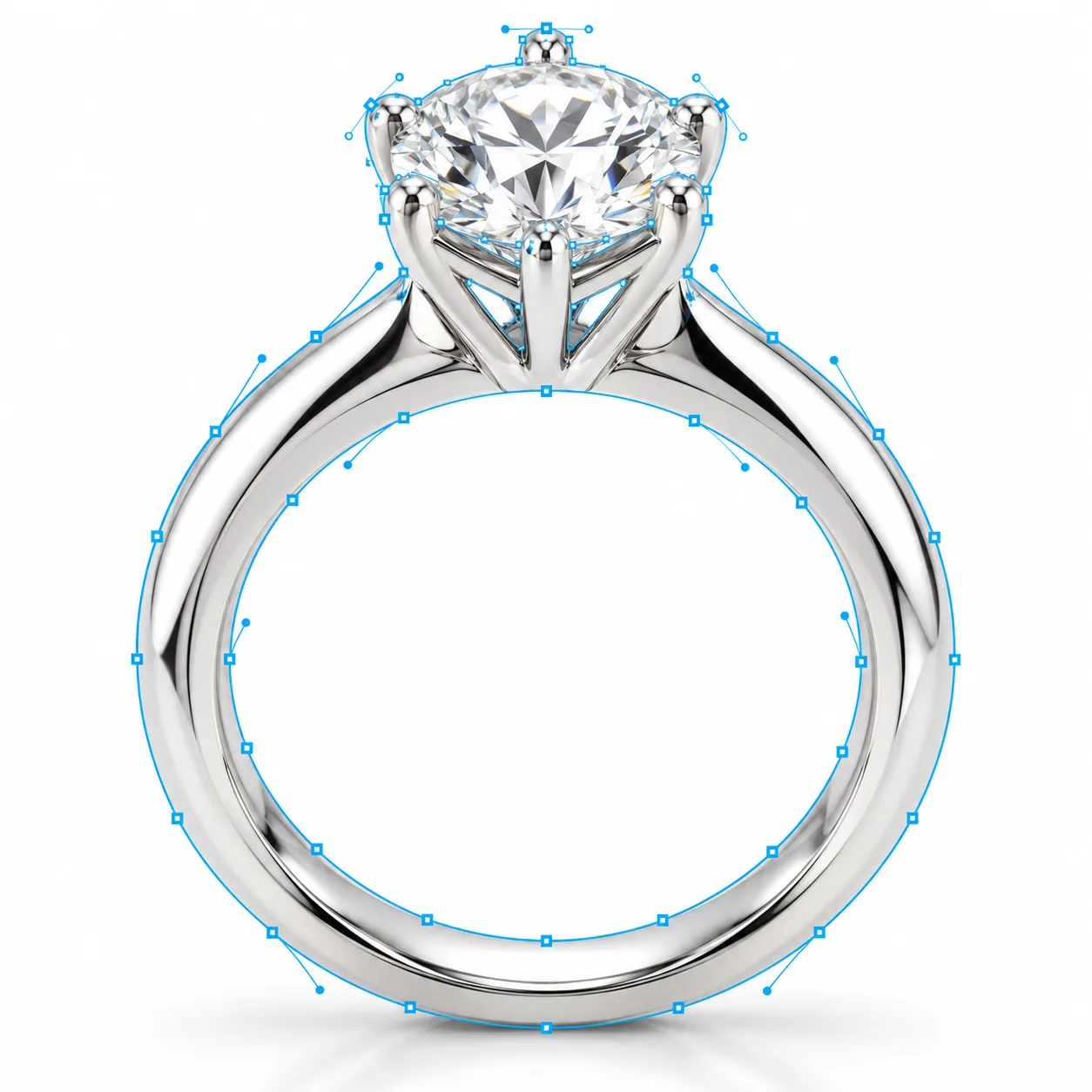
Ask an AI background remover to cut out a delicate necklace and you'll usually see one of two problems: it fills in the gaps between links with leftover background, or it cuts right through thin sections of the chain. Prongs, filigree and open galleries suffer the same way. A human retoucher draws a precise clipping path around every link, which is slow but accurate.
2. Diamond and gemstone enhancement
This is the biggest gap. Good gem retouching makes a diamond look the way it does in person: bright, crisp, full of controlled fire, but still recognizably the same stone. AI tools tend to do one of three things:
- Over-smooth the stone into a white or grey blob with no facets.
- Add generic "sparkle" that doesn't match the cut of the real diamond.
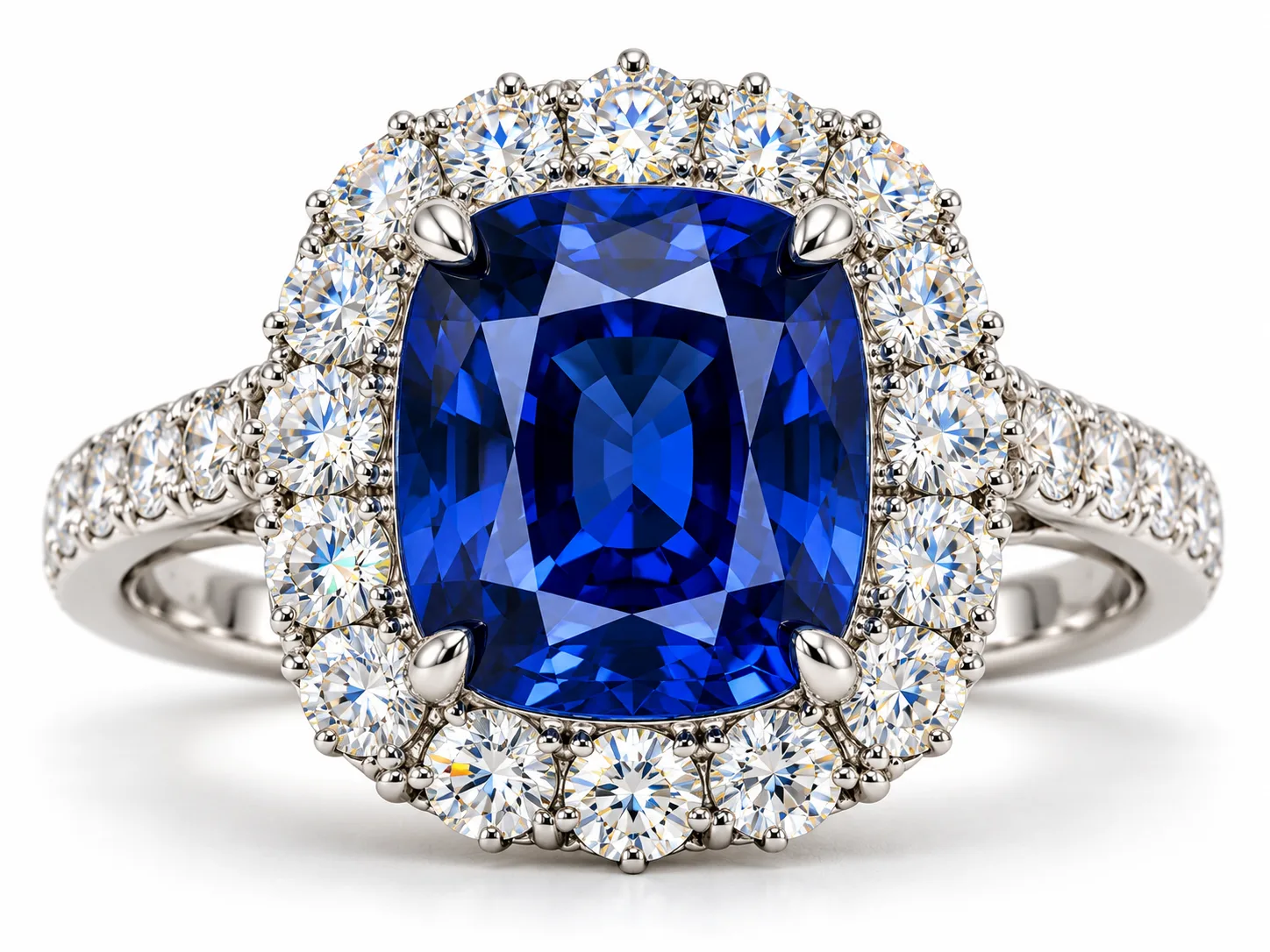
- Shift the color of colored stones, turning a sapphire too purple or an emerald too yellow.
Any of these can lead to unhappy customers and returns, because the piece that arrives doesn't look like the photo.
3. Reflections on polished metal
A skilled retoucher knows which reflections define the shape of a ring (and should stay) and which are distractions (and should go). AI doesn't understand this distinction. It often removes the reflections that give metal its depth, leaving a flat, plastic-looking band, or leaves the distracting ones because it thinks they're part of the design.
4. Consistency across a collection
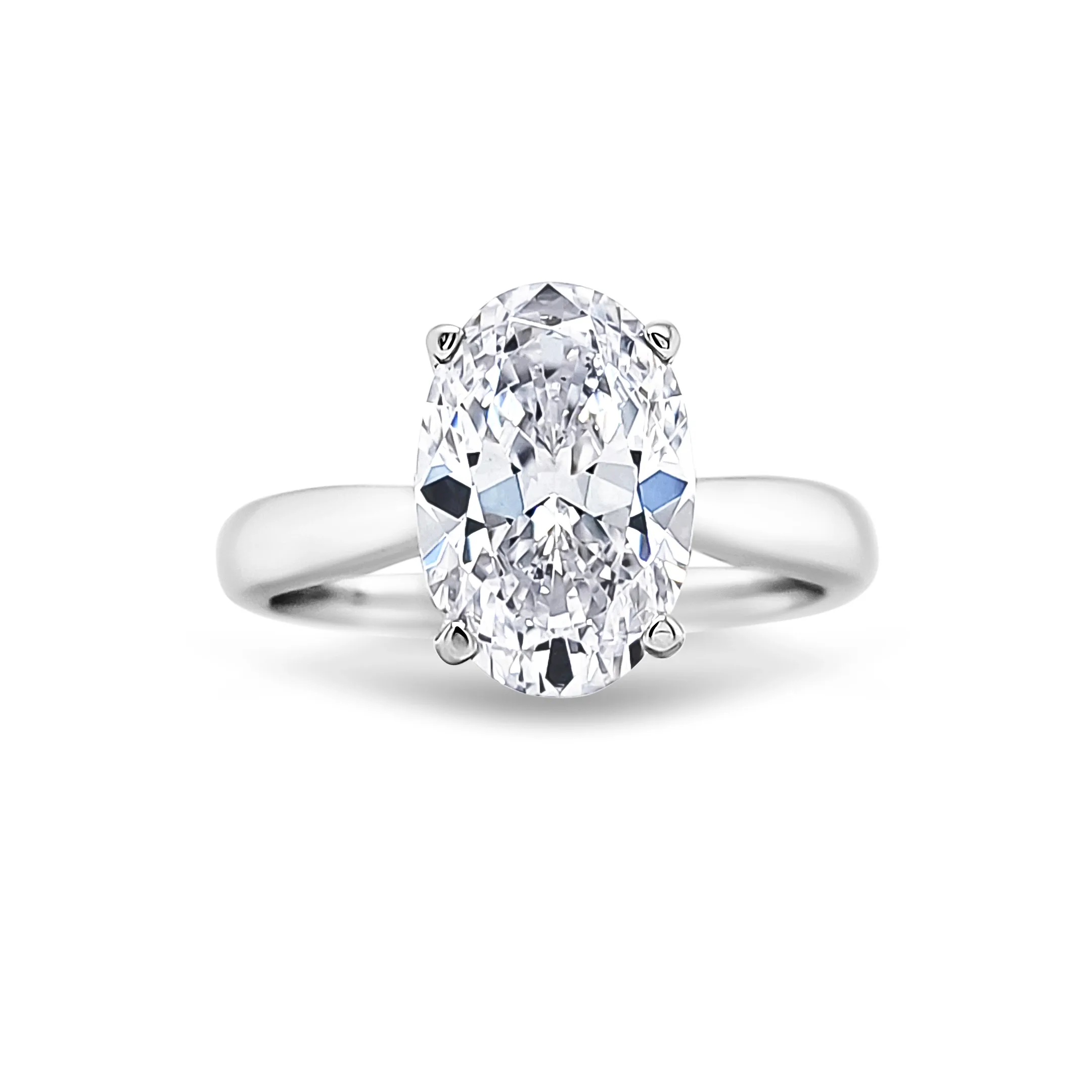
A professional catalog needs every ring at the same angle, same brightness, same shadow and same metal tone. AI tools process each image on its own, so results drift from photo to photo. Fixing that drift by hand often takes longer than editing the images properly in the first place.
5. Accuracy and honesty
Generative AI is designed to make things look good, not to make them look true. It may sharpen a stone's clarity, smooth a casting flaw, or change the color of gold without being asked. That's a serious problem for jewelry, where buyers pay for exact materials and grades. A human retoucher cleans up the photo while keeping the product honest.
6. Complex retouching tasks
Some jobs simply aren't possible with today's one-click tools: replacing a center stone to show a different gem option, recoloring a ring into yellow, white and rose gold from a single photo, rebuilding a broken prong, or compositing several focus-stacked shots into one perfectly sharp image. These require real Photoshop skill and an understanding of how jewelry is made.
AI vs. Professional Retouching: Side-by-Side Comparison
| Task | AI tools | Professional retoucher |
|---|---|---|
| Background removal (simple ring) | Good | Excellent |
| Background removal (necklace / chain) | Poor | Excellent |
| Resizing and cropping | Excellent | Excellent |
| Basic color correction | Good | Excellent |
| Diamond and gem enhancement | Poor | Excellent |
| Metal reflection cleanup | Poor to fair | Excellent |
| Natural shadows and reflections | Fair | Excellent |
| Stone replacement / metal recolor | Unreliable | Excellent |
| Consistency across 100+ images | Fair | Excellent |
| Speed per image | Seconds | Minutes to hours |
| Cost per image | Very low | Low to moderate |
The pattern is clear. AI wins on speed and cost for simple, repetitive tasks. Humans win on anything that touches the jewelry itself, which is exactly the part customers look at most closely.
The Hidden Cost of "Free" AI Editing
AI tools look cheap, and per image they are. But it's worth thinking about what a bad jewelry photo actually costs your business:
- Lost sales. Shoppers zoom in on jewelry. A smudged prong or a fake-looking diamond is enough to make them leave.
- Returns. If a photo exaggerates sparkle or shifts color, the real piece disappoints. Returns on high-value jewelry are expensive to process and ship.
- Brand damage. Inconsistent, artificial-looking photos make a store feel less trustworthy, which matters a lot when customers are spending hundreds or thousands of dollars.
- Your time. Checking and fixing AI output image by image often eats up the time you hoped to save.
When a professional edit costs a few dollars and the ring sells for several hundred, the cheapest option is rarely the one that makes you the most money.
The Best Approach: AI + Human Retouching
The smartest workflow isn't AI or humans. It's both, each doing what it does best. This is how modern professional jewelry editing services work behind the scenes:
- AI handles the groundwork. Rough masks, initial color balance, resizing, batch organization and first-pass dust removal.
- Retouchers handle the jewelry. Precise clipping paths, gem and diamond enhancement, metal reflections, shadows and any creative work.
- Quality control checks accuracy. A final human review makes sure every stone, color and detail matches the real piece and is consistent across the batch.
This hybrid approach keeps prices low and turnaround fast (often 24 hours) while delivering results that look hand-crafted, because the parts that matter are.
When Is AI Alone Good Enough?
There are situations where fully automated editing makes sense:
- Quick social media stories or internal reference photos.
- Very simple pieces (plain bands, solid pendants) on low-priced items.
- Draft images while you wait for professionally edited versions.
- Resizing and formatting images that have already been retouched.
For main product photos, homepage banners, marketplace listings and paid ads, professional retouching is still the safer choice.
Tips If You Use AI Tools for Jewelry Photos
If you do experiment with AI, these habits will help you avoid the most common problems:
- Start with a great photo. Sharp focus, soft even lighting and a clean, contrasting background give AI far less to guess about.
- Zoom to 100% and check. Look closely at prongs, chain links and stone edges before publishing.
- Compare to the real piece. Hold the jewelry next to your screen. If the color or sparkle doesn't match, don't use the image.
- Avoid generative "enhance" on stones. Use it for backgrounds and scenes, not on the product itself.
- Keep your originals. Always save the untouched file so a professional can redo the edit if needed.
Frequently Asked Questions
Can AI remove the background from jewelry photos?
Yes, for simple, solid pieces. For necklaces, chains, open settings and fine details, AI cut-outs usually miss gaps or cut through thin parts, so hand-drawn clipping paths are still needed.
Can AI make diamonds sparkle in photos?
AI can add sparkle, but it's usually generic and doesn't match the real stone's cut. Professional gem enhancement brings out the stone's actual fire and clarity without misrepresenting it.
Will AI replace jewelry photo retouchers?
Not anytime soon. AI is becoming a powerful assistant that speeds up routine steps, but accurate, consistent, high-end jewelry retouching still depends on human skill and judgment.
Is AI jewelry editing cheaper than professional retouching?
Per image, yes. But once you count lost sales, returns and the time spent fixing errors, professional retouching often delivers better value, especially for products priced above a few dollars.
Do professional services use AI?
Most modern services, including ours, use AI to speed up routine tasks and then have skilled retouchers perfect every piece by hand. That's how you get both speed and quality.
The Bottom Line
Can AI tools retouch jewelry photos automatically? For simple tasks like resizing, basic color correction and background removal on solid pieces, yes, and they can save you real time. For the work that actually sells jewelry, such as gem and diamond enhancement, chain cut-outs, metal reflections and consistent, accurate catalogs, not yet. AI still makes mistakes that customers notice.
The best results come from combining both: AI for speed, expert retouchers for precision. That's exactly how we work.
Want to see the difference on your own photos? Start your free trial and get 3 free edits, with no credit card required. Send us your toughest ring, necklace, earring or watch photo and compare it with any AI tool, side by side, in 24 hours.